

Docs / Features
How do I drop an idea, a bug or a task?
Beta Beta means it works and you can use it today, and it may still change as we hear from you.
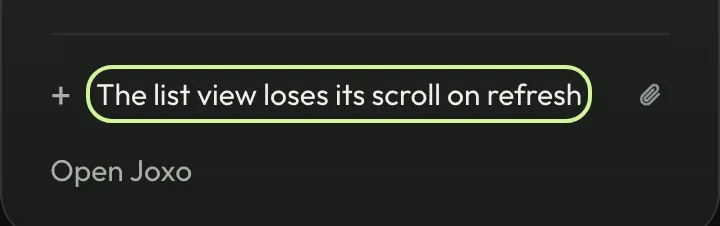
Type one line, or add a screenshot. Joxo puts it on your project’s board and hands it to an agent, so nothing you think of gets lost.
Drop is one place to put anything: an idea, a bug, a task or a question. You do not choose who takes it.
Set it up#
If Joxo is not set up yet, follow Getting started first. Then install the desktop app for Mac, Windows or Linux and sign in with the same account. The field is in the menu bar: type, then press Enter. From a terminal in your project folder:
joxo drop "The list view loses its scroll on refresh"Good to know#
- Add a screenshot or a log with the clip button, or
--filein the terminal. joxo drop listshows each drop and where it went.