

Docs / Features
How do I keep all my agent sessions in one window?
Beta Beta means it works and you can use it today, and it may still change as we hear from you.
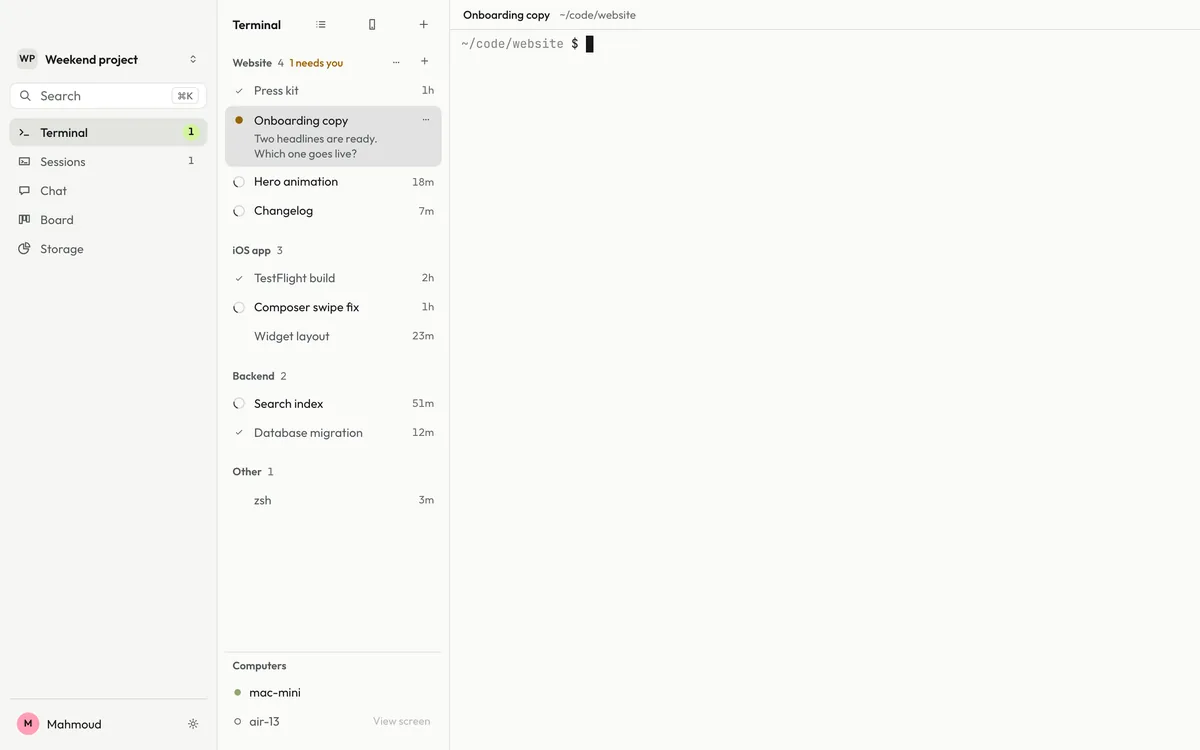
The desktop app’s Terminal holds every agent session in one window, grouped by project, and marks the ones that need you.
Stop juggling dozens of terminal windows. Terminal keeps every session in one place, groups them by project, and shows at a glance which one is working, which one is done and which one needs you.
Set it up#
If Joxo is not set up yet, follow Getting started first. Then install the desktop app for Mac, Windows or Linux and sign in with the same account. Open Terminal in the sidebar and start a session with +.
Good to know#
- Works with every agent you use, and with a plain shell.
- Settings › General turns it off or on.